
Screenshots
See ViewerFX in Action
Real screenshots from ViewerFX for Crystal Reports Version 4.0, showing sample reports from the Crystal Reports sample database.
Report Viewer
The main shell: ribbon, Favorites Center sidebar, and a sample report open in its own tab.
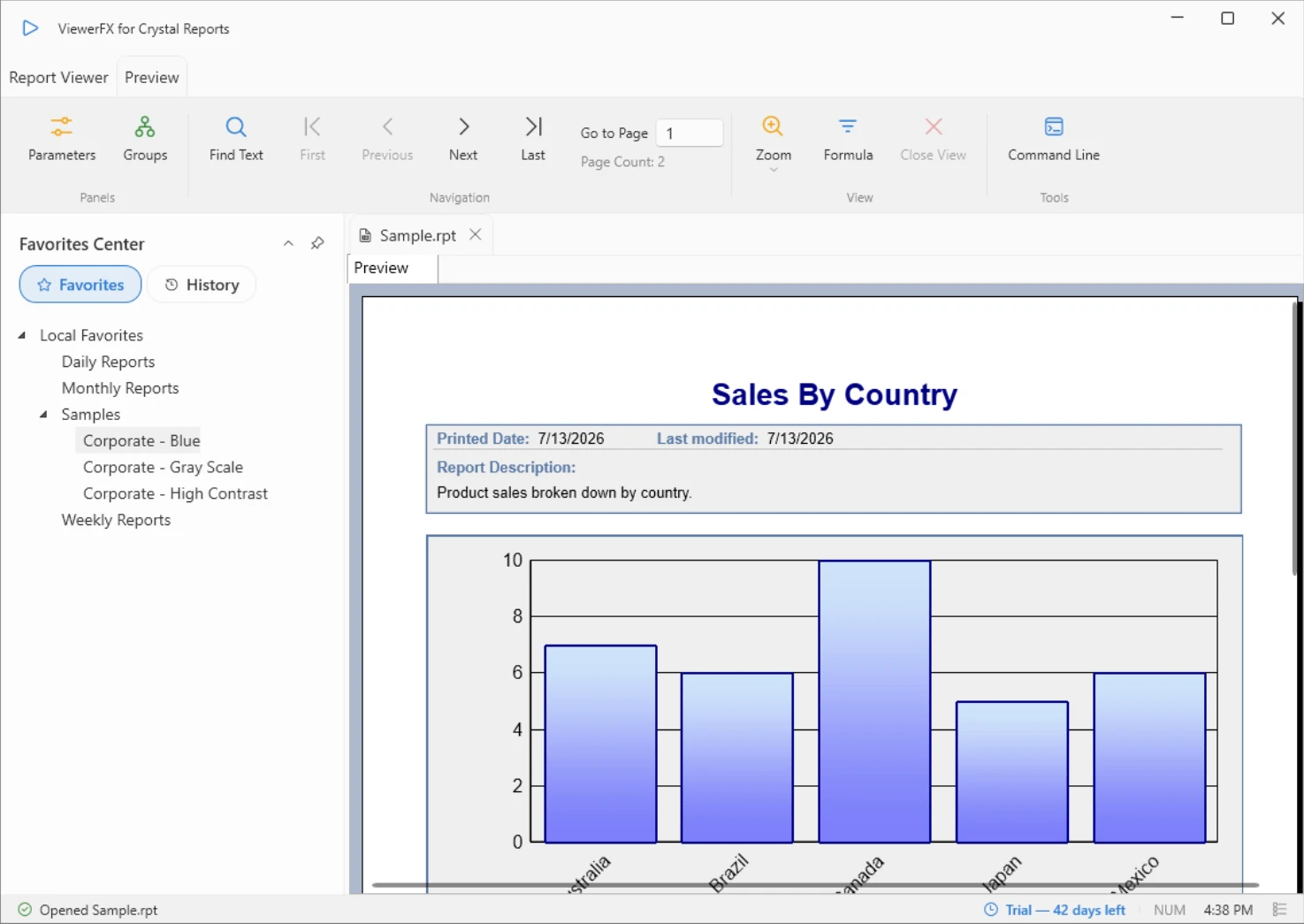
Report Viewer: The main shell: ribbon, Favorites Center sidebar, and a sample report open in its own tab.
Drill Down
A drilled-down group opens beside the main report, with the Group Tree for navigation.
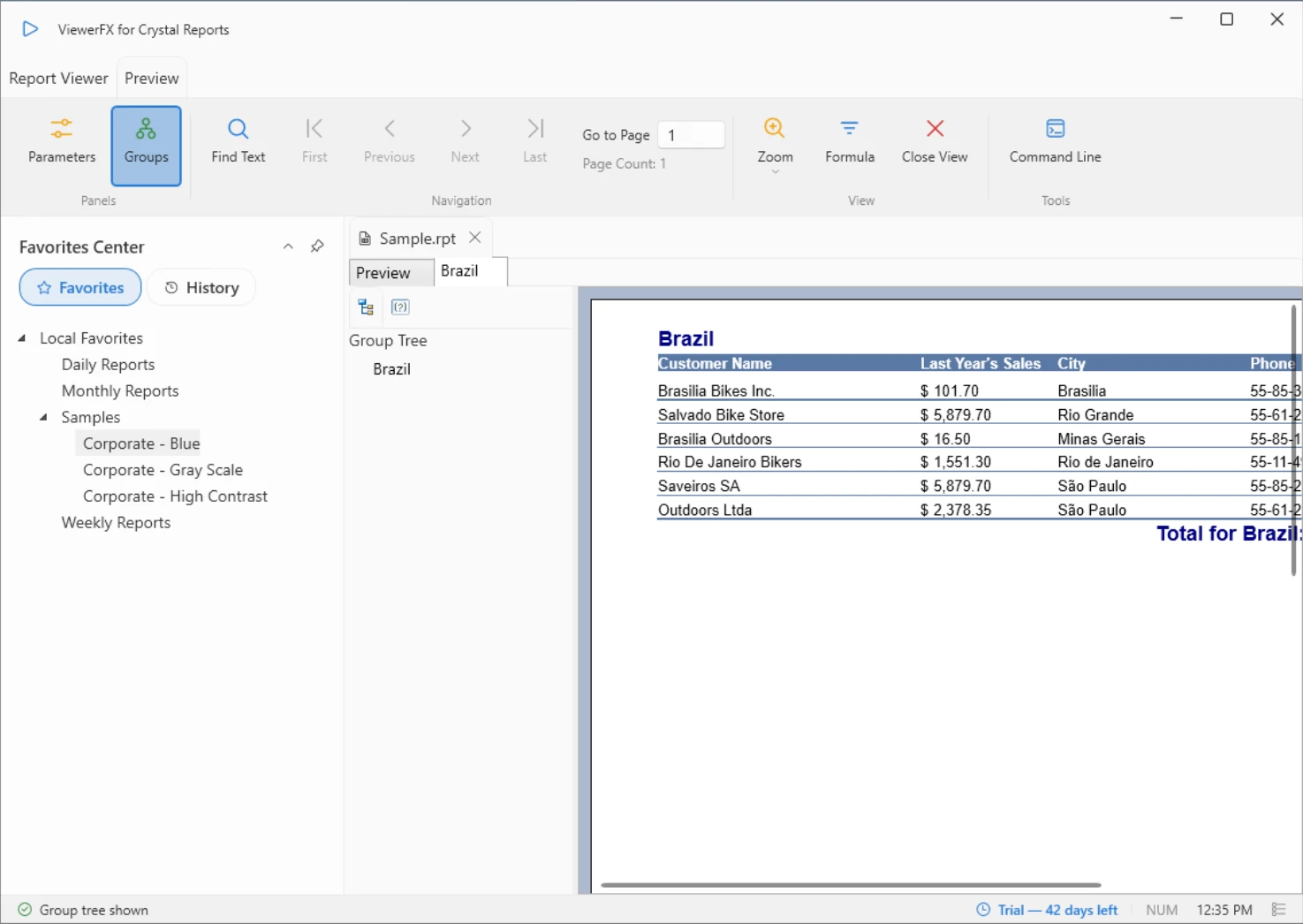
Drill Down: A drilled-down group opens beside the main report, with the Group Tree for navigation.
Email Dialog
Address and send a report by email without leaving ViewerFX.
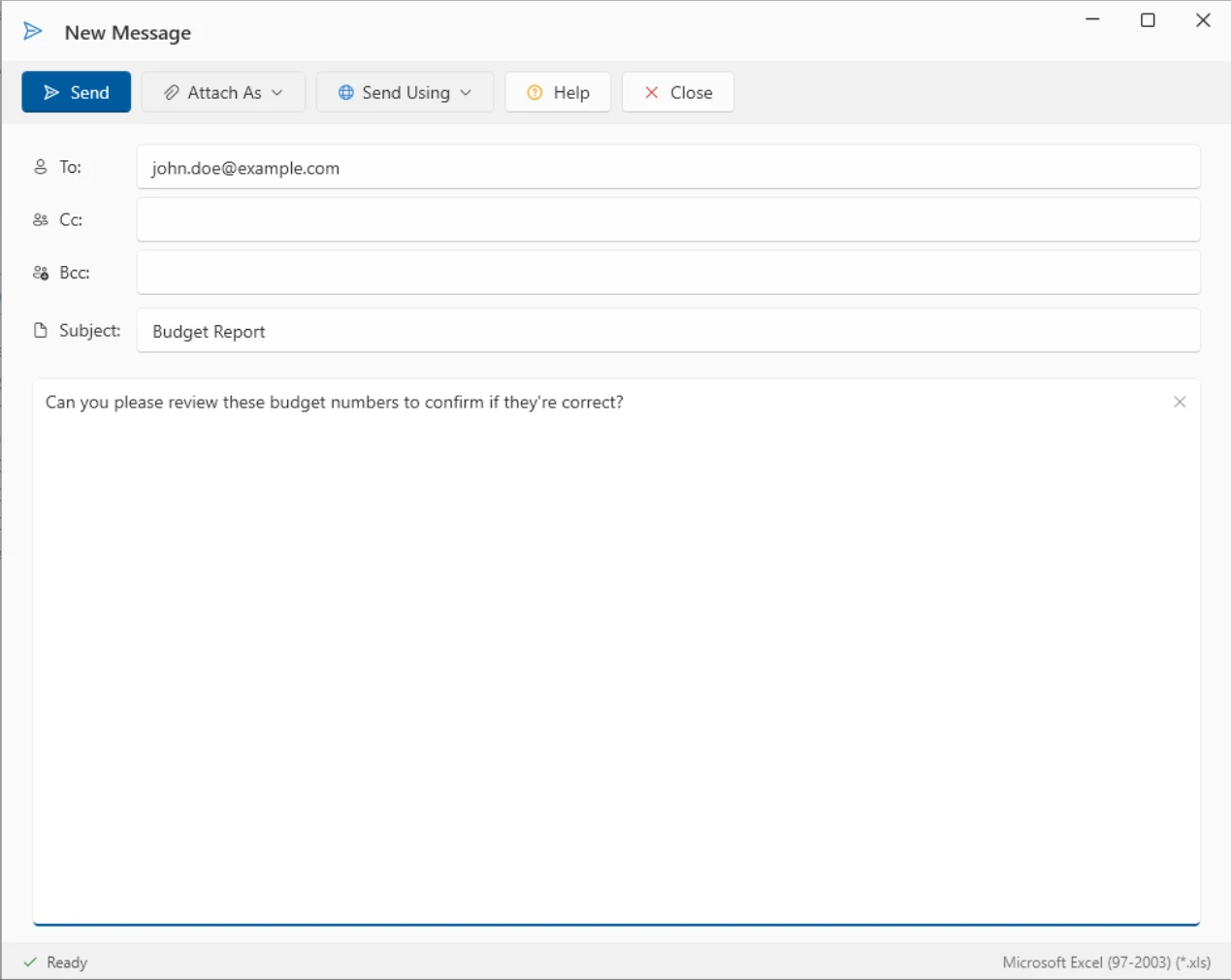
Email Dialog: Address and send a report by email without leaving ViewerFX.
Connection Settings
The Connection / Parameter Settings dialog for data source logon and report parameters.
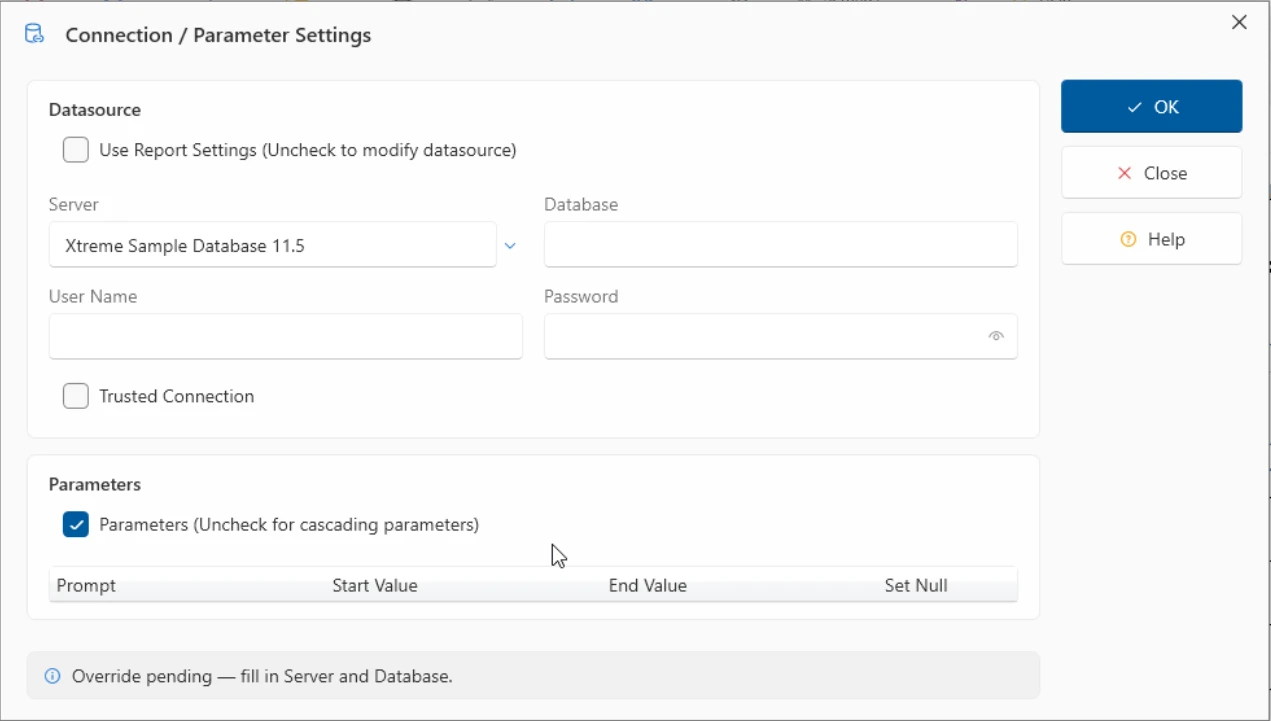
Connection Settings: The Connection / Parameter Settings dialog for data source logon and report parameters.
Custom Parameters
Create custom parameters for use as dynamic report parameters.
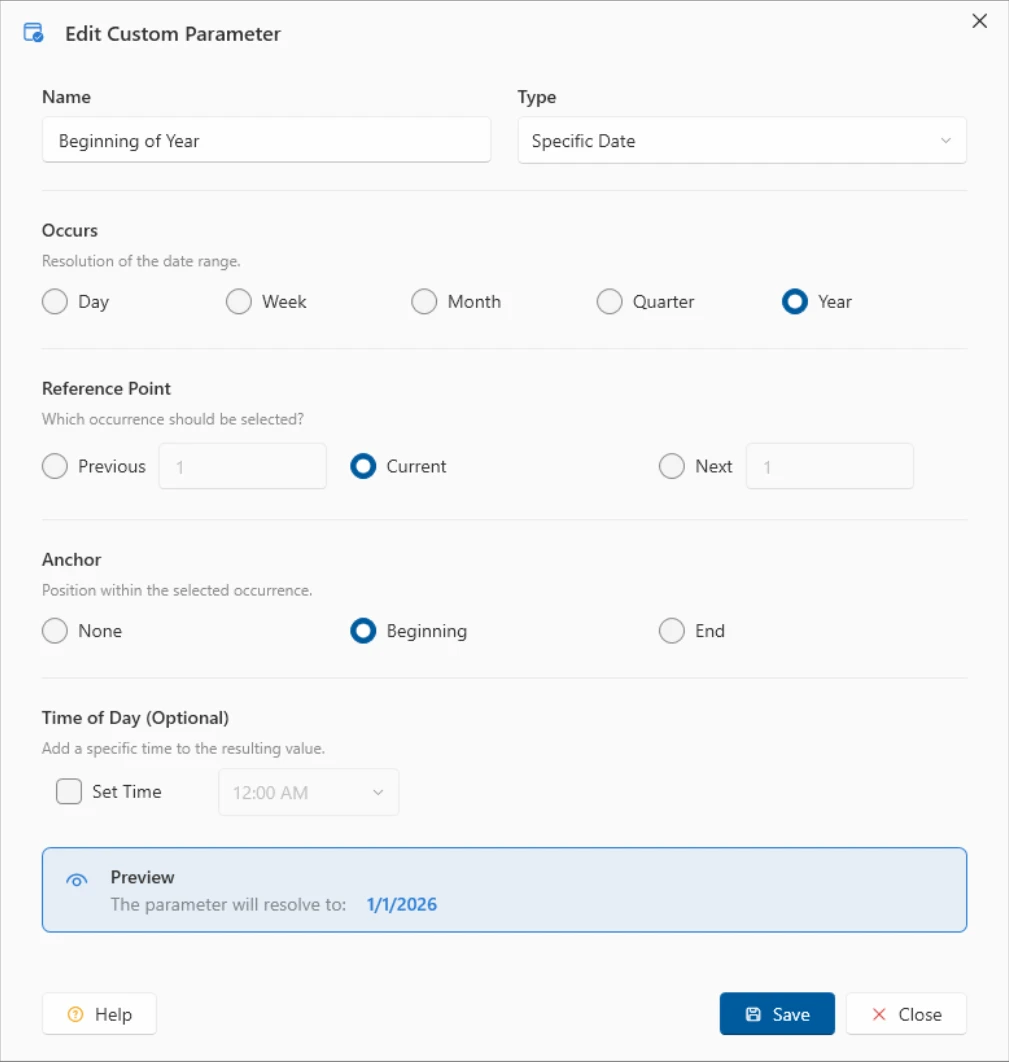
Custom Parameters: Create custom parameters for use as dynamic report parameters.
Selection Formula
Refine report results with the Selection Formula editor.
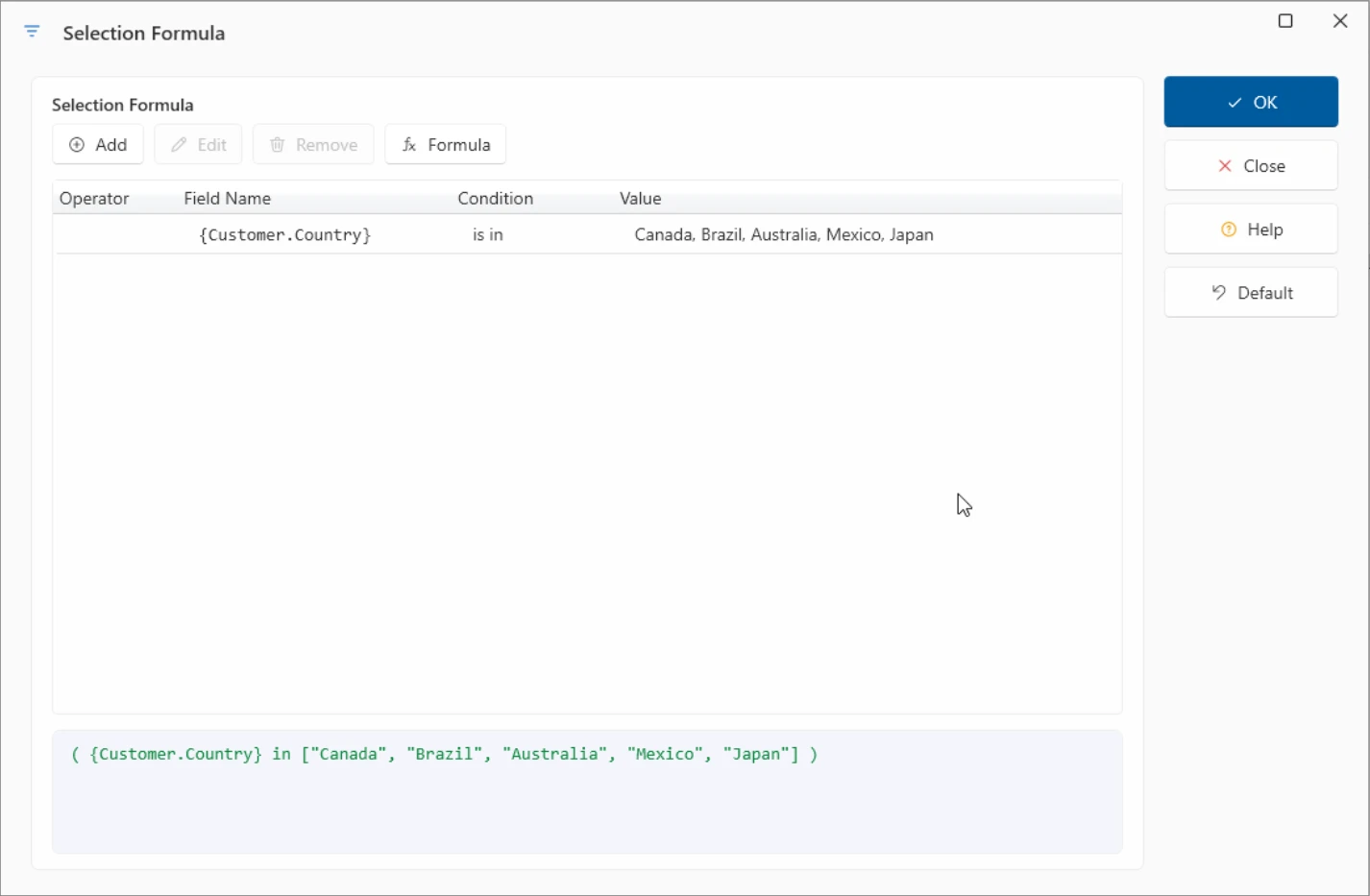
Selection Formula: Refine report results with the Selection Formula editor.
FTP Export
Deliver report output to an FTP location, with saved destinations one click away.
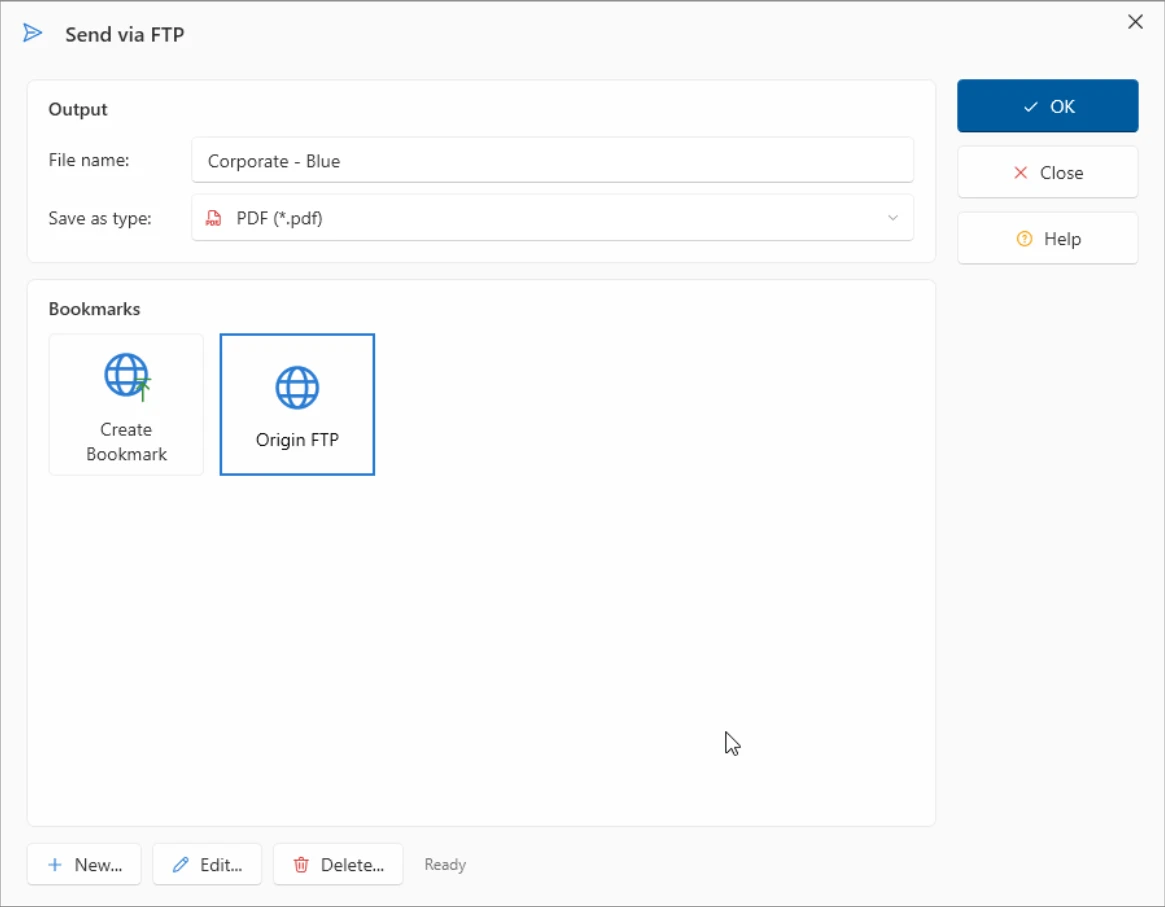
FTP Export: Deliver report output to an FTP location, with saved destinations one click away.
Bookmark Editor
Organize favorite reports into folders with the Organize Favorites dialog.
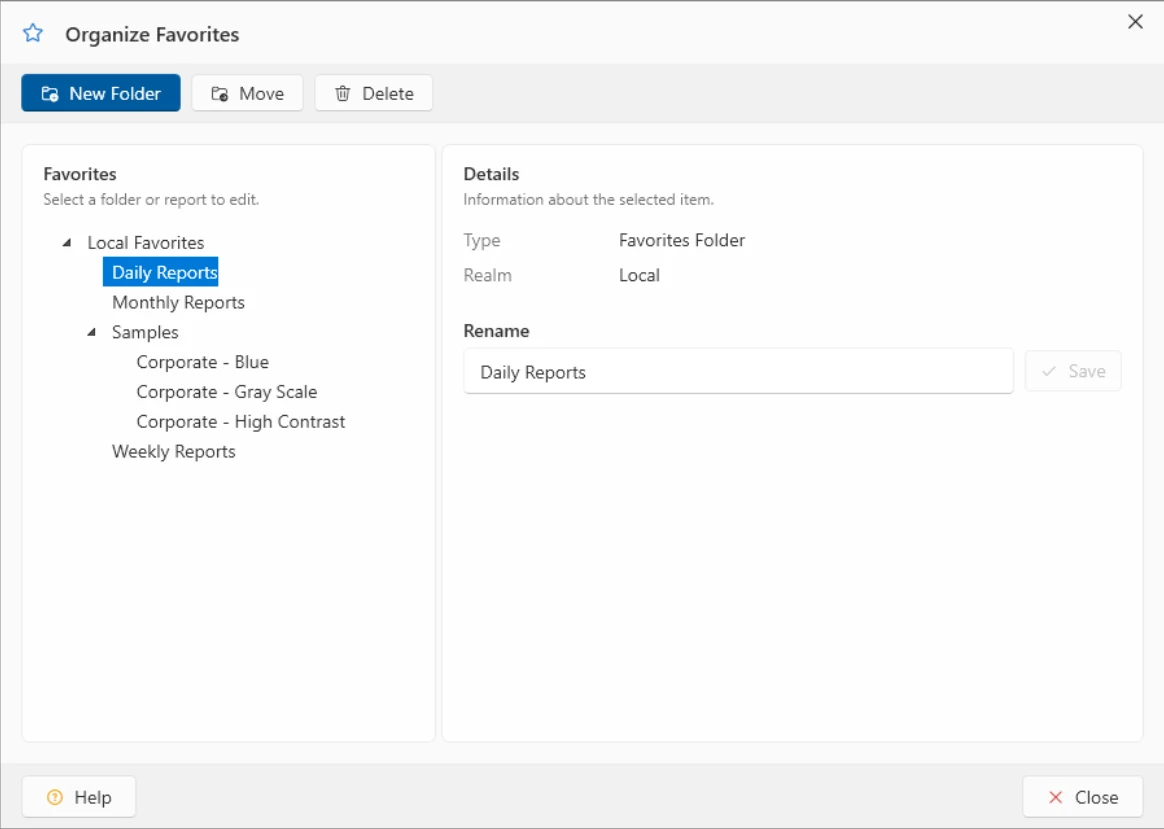
Bookmark Editor: Organize favorite reports into folders with the Organize Favorites dialog.
Command Line Builder
Build unattended export and print commands for integration scenarios.
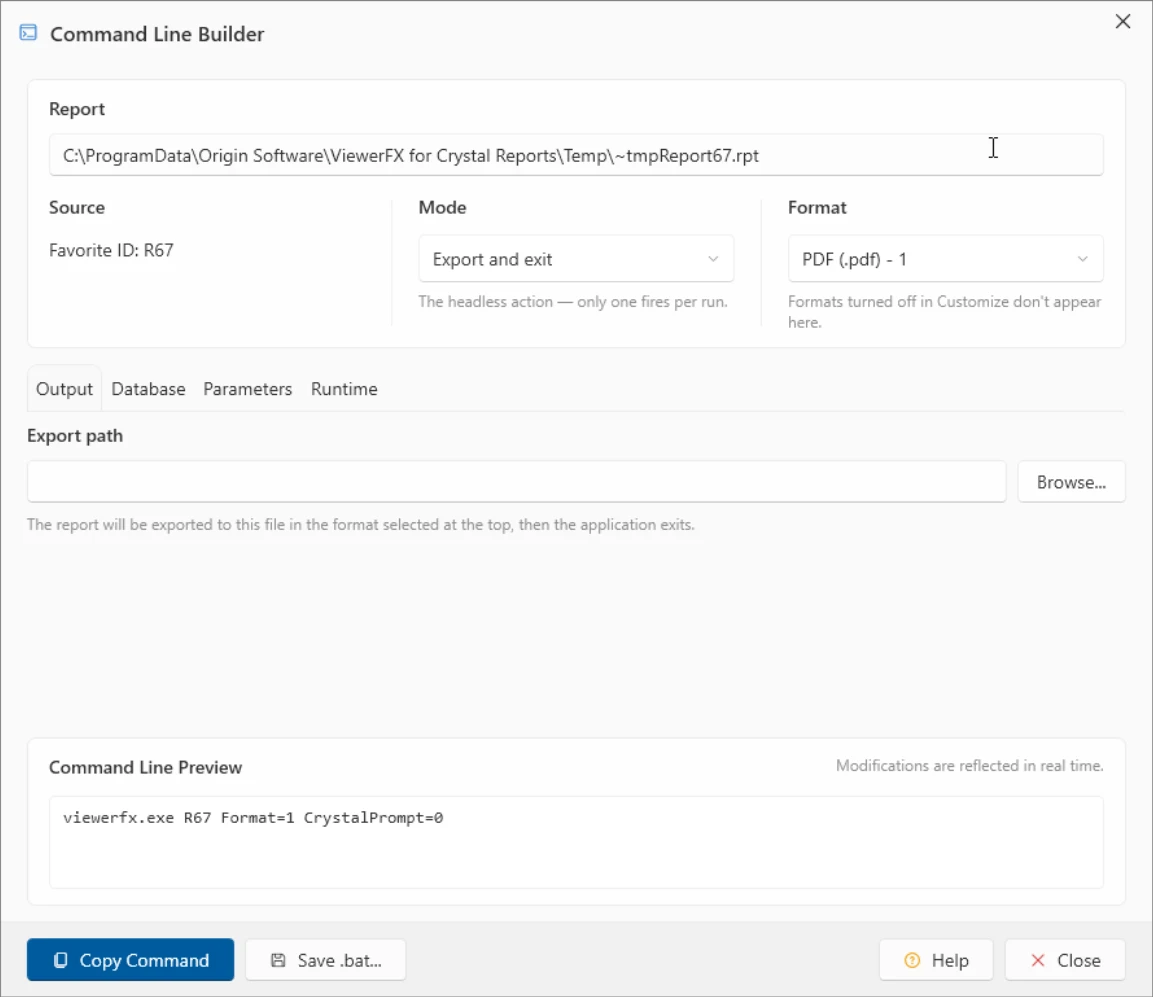
Command Line Builder: Build unattended export and print commands for integration scenarios.
Configuration Editor
Application settings: report open behavior, lists, and connection defaults.
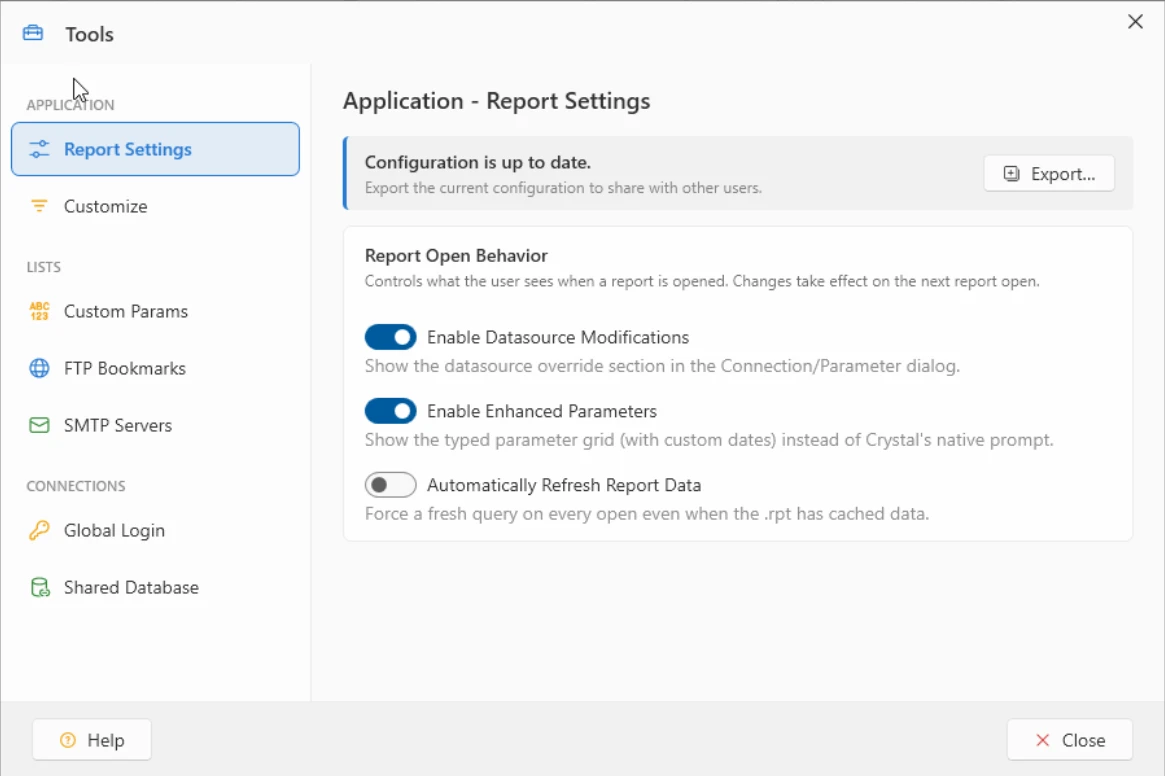
Configuration Editor: Application settings: report open behavior, lists, and connection defaults.
Find
Search the text of the open report and jump straight to each match.
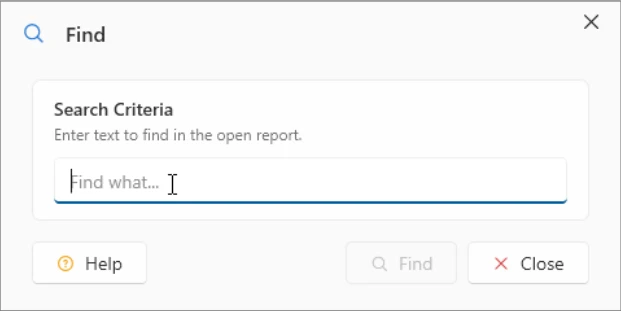
Find: Search the text of the open report and jump straight to each match.
Try It on Your Own Reports
The best screenshot is your own report open in ViewerFX. Free for 45 days.